Start with the work, not the specification sheet
List the tasks the computer will handle each day: email, documents, spreadsheets, video calls, accounting software, web-based systems. Note any specialist programs, such as design or engineering tools, because these usually set the minimum requirements. Check the requirements published by the software maker and bring them with you.
Desktop or laptop
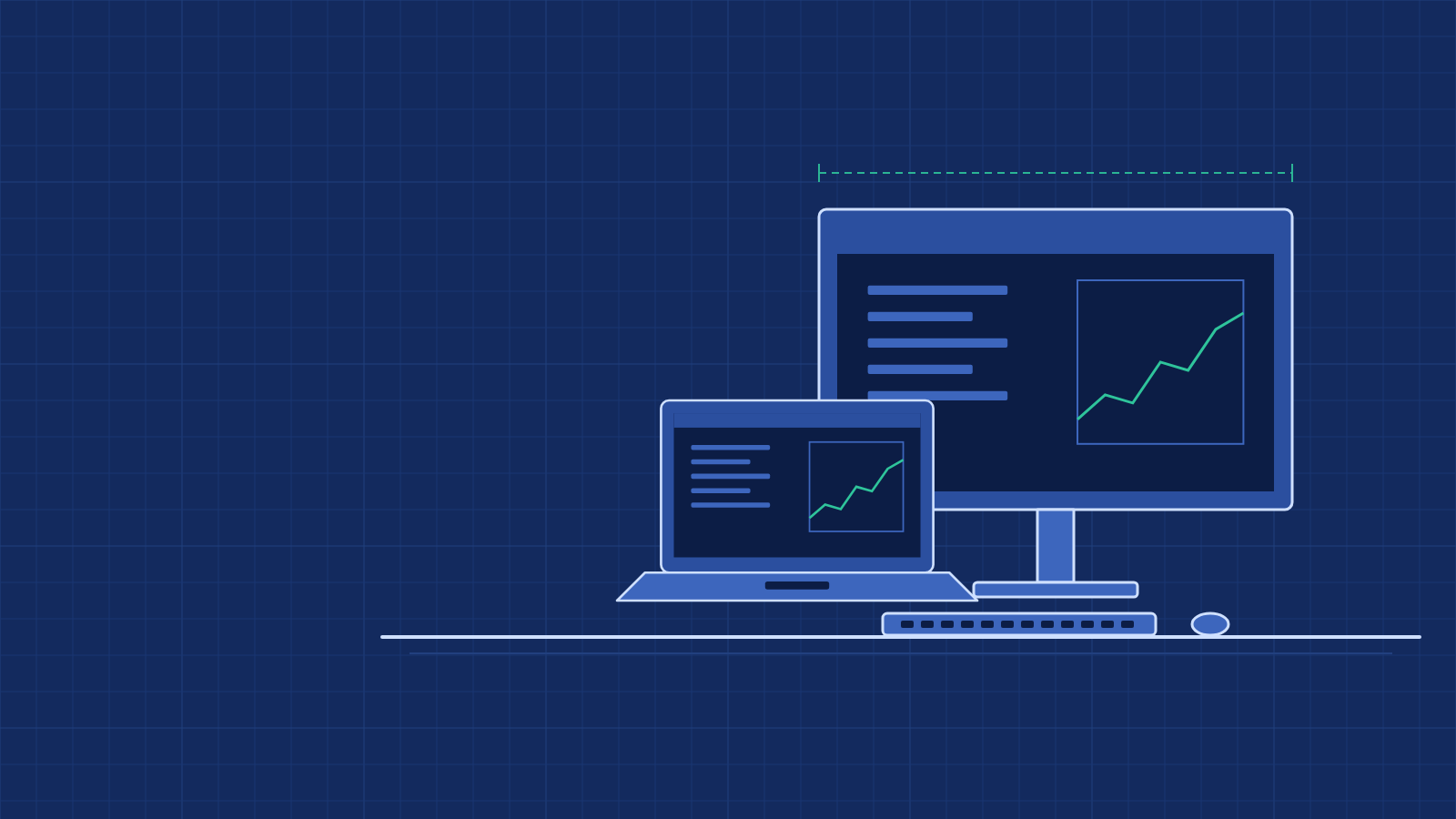
A desktop computer suits a fixed workstation. It is usually easier to upgrade and repair, and it pairs well with a larger screen and a full-size keyboard. A laptop suits people who move between offices, meet clients or work from home. If you choose a laptop for desk work, consider an external monitor, keyboard and mouse for long working days.
The parts that make a difference
Processor: for documents, browsing and video calls, a current mid-range processor is generally enough. Heavier software benefits from more processing power.
Memory (RAM): memory affects how many programs and browser tabs run smoothly at the same time. For everyday office use, 8 GB is a common minimum, and 16 GB gives more room for multitasking and future software updates.
Storage: a solid-state drive (SSD) starts the computer and opens files much faster than an older hard disk. Choose a capacity that fits your files, and keep a backup of important work somewhere else.
Screen: on a laptop, screen size trades against weight. Larger screens are easier for spreadsheets; smaller ones are easier to carry.
Connections: check that the machine has the ports you need for your monitor, printer, projector or network cable, or plan for adapters.
Think about the next few years
A computer bought today will receive software updates for years. A little extra memory or storage at the start is usually cheaper than replacing the machine early. For laptops, also consider battery life and how easy the machine will be to service. Check that the operating system and the software you rely on will continue to be supported.
Buying for a team
If you are equipping several people, standardising on a small number of models makes setup, support and spare parts simpler. Group staff by the kind of work they do rather than giving everyone the same machine. Keep a simple record of each machine, its user and its purchase date; it makes later repairs, upgrades and replacements easier to plan.
Checklist
- Daily tasks and the software that must run
- Desktop or laptop, and whether it will move between locations
- Screen size and any external monitors
- Ports and accessories needed
- Budget range per computer
- Number of computers required